
Enterfusion Insights
The Salesloft Drift Incident: Check the Apps Connected to Your Business

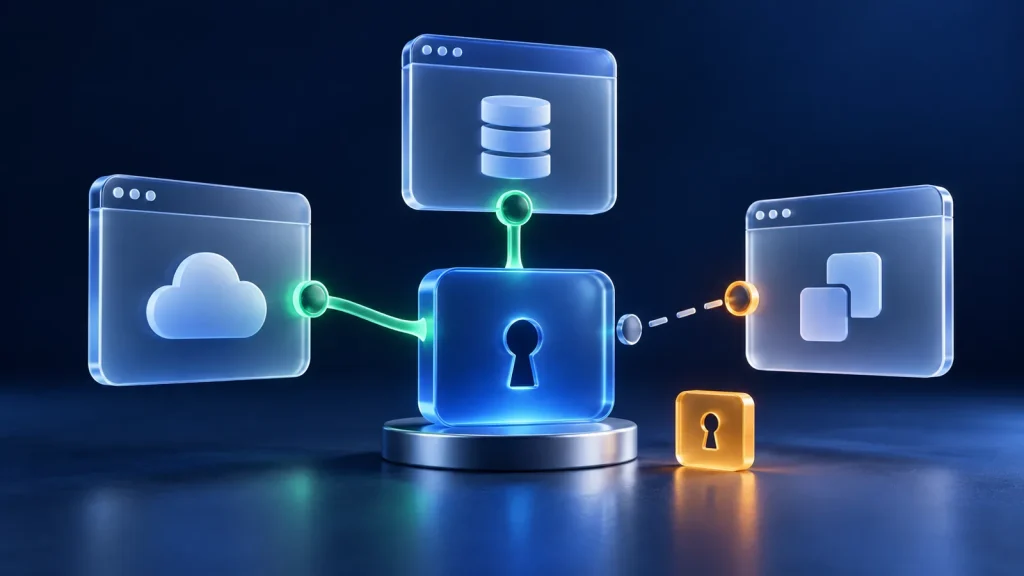
Business apps often connect to each other. A website chat tool may send details to your sales system. A reporting tool may read customer records.
Those connections need access—and that access needs protection.
What happened
In August 2025, an incident involving Salesloft’s Drift app allowed unauthorized access to some Salesforce customer data. Salesforce said the problem involved stolen connection credentials, rather than a flaw in its core platform. Read Salesforce’s incident notice.
Apps can use digital passes called tokens to work together. A stolen token may let an attacker use an existing connection without signing in like an employee. Changing an employee’s password may not cancel that access.
Review the connections your business uses
Ask your IT team to:
- List the apps connected to your business accounts.
- Check what information each app can read or change.
- Review access that is no longer needed.
- Watch for unusual downloads or activity.
- Include connected apps in the plan for responding to a breach.
Useful tools can still create risk. Give each connection a clear owner and only the access it needs.
Make your next step clear
Talk with Enterfusion about reviewing your cloud apps.
Contact Enterfusion